July 9, 2026
Loop Engineering in Claude Code: The Practical Guide to /loop, /goal, and Scheduled Tasks
How to use Claude Code's three scheduling primitives to run AI agents that monitor, fix, and ship on autopilot. Patterns, guardrails, and the cold-start problem.
Most People Prompt AI One Task at a Time. That Is Not Leverage.
You type a prompt. You get an answer. You type another prompt. You get another answer. Every interaction requires you in the chair, initiating, waiting, reviewing. The AI is faster than a human at each step, but you are still the bottleneck. Nothing happens unless you start it.
Loop engineering breaks that pattern. Instead of prompting Claude Code one task at a time, you set up agents that run on a schedule, check for changes, fix what breaks, and report back when they need you. Your job shifts from doing the steps to designing the system that does the steps.
Claude Code ships three distinct primitives for this, each serving a different role in the broader system for running AI agents autonomously. Understanding when to use each one, and what each one cannot do, is the whole game.
The Three Primitives: /loop, /goal, and Scheduled Tasks
These are not three names for the same thing. They have different scopes, different lifetimes, and different tradeoffs. Getting the distinction wrong means loops that die when you close your laptop, or cloud tasks that cannot touch your local files.
/loop: Watch for Changes Inside Your Session
/loop runs a prompt repeatedly on an interval inside your current Claude Code session. You give it a cadence and a task. Claude fires that prompt in the background while you keep working in the same session.
/loop 5m check if the deploy went green and report if it failed
Claude converts the interval to a cron expression, schedules the job, confirms the cadence, and starts running.
Supported units: s for seconds, m for minutes, h for hours, d for days. But cron has one-minute granularity, so sub-minute intervals round up. /loop 30s fires every minute, not every 30 seconds.
Intervals that do not map to a clean cron step (like 7m or 90m) are rounded to the nearest interval that does, and Claude tells you what it picked.
Self-paced mode: omit the interval entirely and Claude sets the clock. It decides how long to wait before the next iteration based on what is happening, checking more often when things are moving and backing off when they are idle.
Jitter. To avoid every session hitting the API at the same moment, the scheduler adds a deterministic offset. Recurring tasks can fire up to 30 minutes after the scheduled time. For tasks that run more frequently than hourly, the offset is up to half the interval. The offset is derived from the task ID, so the same task always gets the same shift.
Lifetime. /loop is session-scoped. Tasks live in the current conversation and stop when you start a new one. Resuming with --resume or --continue brings back any task that has not expired. Recurring tasks auto-expire 7 days after creation. A session can hold up to 50 scheduled tasks at once.
/goal: Push to a Finish Line
/goal keeps Claude working turn after turn until a condition you define is true. There is no timer. The next turn starts the moment the last one finishes. After each turn, a small fast model checks whether the condition holds.
/goal all tests in test/auth pass and the lint step is clean
The evaluator returns a yes-or-no decision and a short reason. A "no" tells Claude to keep working and passes the reason as guidance for the next turn. A "yes" clears the goal and records it in the transcript.
/goal requires Claude Code v2.1.139 or later and only runs in workspaces where you have accepted the trust dialog.
Use /goal when the task has a natural endpoint. Fix this test suite until everything passes. Clean this dataset until every row validates. Rewrite these pages until each meets the spec. You define the outcome. Claude figures out the path.
Scheduled Tasks: Automation Beyond Your Session
This is where the distinction matters most, and where most guides get it wrong. Claude Code has two kinds of scheduled tasks, and they are architecturally different.
Desktop scheduled tasks run on your machine through the Claude Code Desktop app. They have full access to your local files and tools. Minimum interval is one minute. But they only fire while the app is running and your computer is awake. If your machine sleeps through a scheduled time, the run is skipped. When the app restarts, it checks whether each task missed any runs in the last seven days and fires exactly one catch-up run for the most recently missed time.
Desktop scheduled tasks require Claude Code v2.1.72 or later.
Cloud routines (/schedule) run on Anthropic's infrastructure, independent of your machine. Laptop closed, computer off, they keep running. The tradeoff: minimum interval is one hour, no local file access, and each run gets a fresh clone of the default branch from your connected repository. No working tree carries over between runs. Your prompt needs to be self-contained.
Use desktop tasks when you need local file access and sub-hourly intervals. Use cloud routines when reliability matters more than local access and the work can be defined in a single prompt against a repo.
The Mental Model: Watch, Finish, or Automate
Watching for a change? Use /loop. The work is happening somewhere else (a deploy rolling out, a CI pipeline running, a PR collecting reviews). You are not asking Claude to make it happen. You are asking it to check back and report.
Pushing to a finish line? Use /goal. The job has a clear "done" but you do not know how many turns it will take. All tests passing. All data cleaned. All pages rewritten. Claude keeps iterating until it gets there.
Running hands-off on a recurring schedule? Use scheduled tasks. Desktop tasks for local work while the app is open. Cloud routines for fire-and-forget automation with no machine dependency.
Real Loop Patterns That Save Hours
Here are the patterns I use and see working inside The Sprint community.
Deploy Monitoring
/loop 3m check if the production deploy completed and run smoke tests if done
Instead of tabbing to your CI dashboard, Claude watches the rollout and tells you when it lands or fails. Three to five minute intervals for active deploys.
PR Review Polling
/loop 15m check all open PRs for new comments or review feedback and summarize which need a response
Replaces the habit of checking GitHub notifications manually. Fifteen to thirty minute intervals keep you current without burning usage on empty checks.
CI Failure Detection
/loop 10m check CI status on open PRs and report any new failures with the PR, job, and reason
Flaky tests, dependency conflicts, merge issues. Claude catches them and surfaces the specifics so you fix real problems instead of discovering them hours later.
Goal-Driven Test Fixing
/goal all tests pass, lint is clean, no type errors
Point Claude at a failing test suite and move to other work. It reads the errors, makes fixes, re-runs the tests, and iterates until everything is green. This is where /goal earns its keep on real refactoring.
Nightly Dependency Audit (Cloud Routine)
Set up a cloud routine to scan the repo daily for high and critical severity vulnerabilities and open a PR with recommended fixes. It runs on Anthropic's cloud against a fresh clone of your default branch. You review the PR in the morning. No machine required.
Guardrails: When Loops Should Stop
Loops without guardrails are a cost problem and a reliability problem.
Set failure limits on /goal. If the agent cannot resolve errors within a set number of consecutive failures, it should stop and alert you. A stuck agent burning cycles is not persistence. It is waste.
Match intervals to pace. A 1-minute loop on a deploy that takes 20 minutes wastes 19 checks. A 30-minute loop on a fast CI pipeline means you hear about failures half an hour late. Match the interval to the expected pace of the thing you are monitoring.
Use the 7-day auto-expiry. Recurring tasks expire after 7 days. This is your safety net against forgotten loops. If a task needs to outlive that window, use a scheduled task or cloud routine.
Isolate parallel work. When running multiple agents that touch code, use Git worktrees or configure sub-agent isolation. Two agents editing the same files without isolation will create merge conflicts.
Understand the cold-start cost. Every /loop iteration and every cloud routine run starts without memory of the last run. Claude re-derives context from scratch each cycle. For simple checks ("did the deploy finish?"), that is fine. For complex workflows that compound across iterations, cold-start context loss is the deeper problem. The loop runs, but it does not remember what it found last time.
How I Am Using Loops to Build Focus Pilot
I am building Focus Pilot in public inside The Sprint community. Loop engineering is how I run the development workflow without sitting in front of the terminal all day.
A typical build session: I set a /goal to get a feature branch passing all tests and lint. Claude iterates through the failures while I review community feedback or draft content. When the goal is met, I review the diff, merge, and move on.
For ongoing maintenance, /loop watches the CI pipeline after merges. If something breaks downstream, I know within minutes instead of discovering it the next time I open the repo.
But the gap I keep running into is the cold-start problem at execution scale. A native Claude Code loop re-derives context every cycle. It does not remember what it found on the last iteration. For simple monitoring ("is CI green?"), that is fine. For workflows that should compound, where each cycle builds on what the last one learned, cold starts mean the loop never gets smarter.
That is exactly what I am building loop orchestration into Focus Pilot to solve. The idea: loops that start warm. Focus Pilot feeds loaded context into each iteration so the agent picks up where the last run left off, with the relevant memory, prior findings, and accumulated state already in the prompt. Not re-deriving from scratch. Compounding.
This is being built right now. It is not shipped. But it is the design problem that makes Focus Pilot different from running raw /loop commands in a terminal. If you want to watch the build happen live, with weekly updates and the architecture decisions in real time, The Sprint is a dollar to try.
Frequently Asked Questions
- What is loop engineering in Claude Code?
- Loop engineering is designing AI agent workflows that run on a recurring interval or against a completion condition, instead of typing each prompt yourself. You define the task and the cadence. Claude executes it automatically while you work on something else.
- What is the difference between /loop, /goal, and scheduled tasks in Claude Code?
- /loop runs a prompt on a time interval inside your active session and stops when you exit. /goal keeps Claude working turn after turn until a condition is met. Desktop scheduled tasks run on a cron schedule with local file access while the app is open. Cloud routines run on Anthropic's servers independent of your machine, with a one-hour minimum interval.
- Does Claude Code /loop keep running when I close my terminal?
- No. /loop is session-scoped. It stops when you end or start a new session. Resuming with --resume brings back unexpired tasks. For hands-off automation, use desktop scheduled tasks or cloud routines, which persist beyond your session.
- What are good use cases for Claude Code loops?
- Deploy monitoring, CI failure detection, PR review polling, dependency auditing, and goal-driven test fixing. Match your interval to the expected pace: 3-5 minutes for active deploys, 15-30 minutes for PR reviews, hourly or daily for code quality sweeps.
Related Articles
I'm building this in public. Come build with me.
The Sprint: Focus Pilot, live weekly mentorship, and a community of operators who ship with AI.
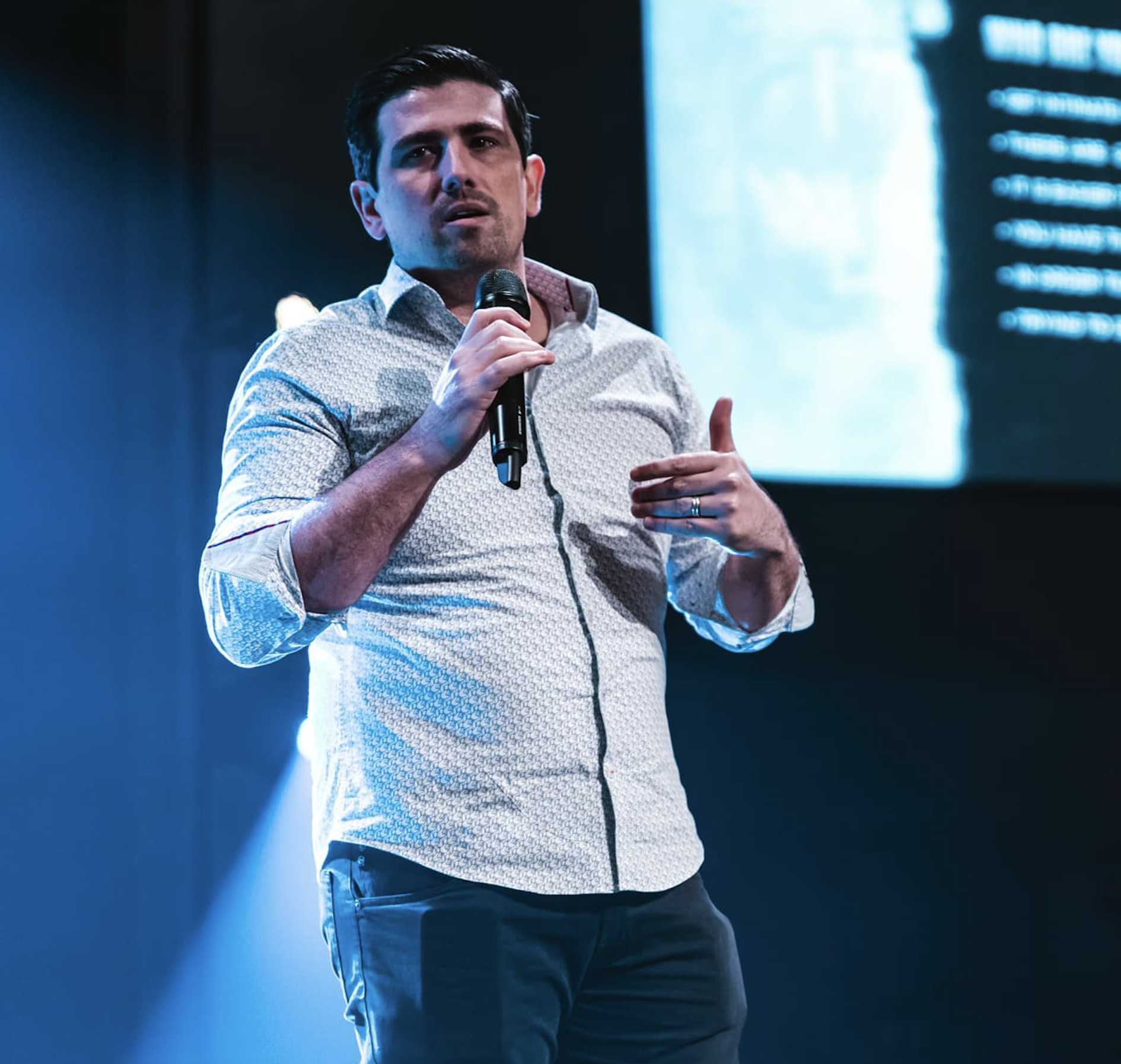
Matt Ganzak
Founder, The Sprint & ScaleUp Media
25+ years building software companies. Multiple SaaS exits. Bestselling author of The Million Dollar Plan. Writes about running AI agents for real operational work.