July 9, 2026
What Is Claude Cowork? The Background AI Agent That Keeps Working After You Close Your Laptop
Claude Cowork runs AI agent sessions remotely across devices. Here's how background agents change the way operators build, ship, and reclaim their time.
Claude Cowork Is Not a Chatbot. It Is a Background Agent.
Most people hear "Claude Cowork" and think it is another AI chat tab. It is not. Cowork is a separate workspace inside the Claude Desktop app where you describe an outcome, and Claude works through the steps to produce it. Files, folders, connected services, parallel sub-agents. You describe the deliverable, walk away, and come back to finished work.
As of July 7, 2026, Anthropic expanded Cowork to web and mobile with one change that matters more than the rest combined: sessions now run remotely. Close your laptop. The agent keeps working. Open your phone. Pick up where you left off. Scheduled tasks run with no device online at all.
This is the moment AI agents stopped needing you in the room. It is the delegation layer of the complete system for running AI agents on real work.
How Do Claude Cowork Background Agents Work?
Here is what actually happens when you start a Cowork session.
You open the Cowork tab in Claude Desktop, or launch a session from claude.ai on web, or from the sidebar in the iOS or Android app. You describe the task. Claude plans the approach, breaks it into sub-tasks, and starts executing.
The session runs in an isolated environment on Anthropic's servers. Not your machine, not your network. Claude reads and writes only in folders you have connected. Network access follows the egress settings you have configured. Nothing ships or publishes without your review.
When the agent hits a decision point, a clarification, a draft that needs approval, a fork in the approach, it sends a push notification to your phone. You respond. It resumes. Everything stays in sync across devices because the session lives in your Claude account, not on any single machine.
The key shift: Cowork sessions used to be tethered to an open desktop window. Now they are cloud-native by default. That one infrastructure change turns Cowork from "an AI assistant you sit next to" into "an AI coworker that runs your back office while you do something else."
What Is the Difference Between Claude Cowork and Claude Code?
This is the question I get asked most in The Sprint, and the answer is simpler than people expect.
Claude Code lives in the terminal. It is built for writing software. Building apps, debugging, working inside a repository, running shell commands. If your output is code, use Claude Code.
Claude Cowork lives in the desktop app. It is built for knowledge work. Processing documents, extracting data from spreadsheets, compiling research, organizing files, running repeatable workflows across your tools. If your output is a deliverable that is not software, use Cowork.
The underlying model is the same. The difference is the interface and the permission model. Code gives you full system access and precision. Cowork gives you simplicity and sandboxed safety.
The most capable operators use both on the same initiative. I use Claude Code to build Focus Pilot. Then I use Cowork for the surrounding operational work: compiling sprint notes, pulling usage data, drafting community updates, preparing launch briefs. The code gets built in the terminal. Everything around the code gets done in Cowork.
Why Background Agents Change Everything for Operators
Here is the part that nobody writing feature roundups is talking about.
Background agents are not a convenience feature. They are a structural change in how work gets done.
Before this update, every AI interaction was synchronous. You sat in front of a screen, typed a prompt, waited, reviewed, typed another prompt. The AI was faster than a human at each step, but you were still the bottleneck. You had to be present for every exchange.
Background agents break that loop. You describe the outcome once. The agent works through it asynchronously. You get notified when it needs you. The rest of the time, you are doing something else entirely.
I have not opened my laptop before 10am in months. Not because I am not working. Because agents are working. Claude Code runs background tasks on the Focus Pilot codebase overnight. Cowork compiles the community metrics, organizes the sprint backlog, and drafts the weekly update. By the time I sit down, the raw material is done. My job is to review, steer, and decide. Not to produce.
That is the difference between using AI and being leveraged by AI.
What Can Claude Cowork Actually Do? Real Use Cases
Anthropic published usage data from 1.2 million anonymized Cowork sessions sampled between May 11 and May 31, 2026, drawn from more than 600,000 organizations. The breakdown tells a clear story about where the value lands.
Business process and operations (pulling scattered updates into reports, building onboarding checklists, reconciling spreadsheets) accounted for 33.4% of all sampled sessions, the single largest category by a wide margin. Content creation and copywriting came second at 16.4%. Software development was just 8.7%.
More than 90% of Cowork usage is not coding. The people getting the most out of this tool are operators, not engineers.
Here are the patterns I see working for founders.
Document Processing and Research
Point Cowork at a folder of call transcripts, contracts, or meeting notes. Ask it to extract the key decisions, flag risks, or build a summary document. It spins up parallel agents to process batches simultaneously. One Sprint member ran fifteen transcripts through Cowork in under twenty minutes and got a structured contradictions report that would have taken a full day by hand.
Recurring Operations
Scheduled Cowork tasks are the closest thing to a chief of staff most solo operators will ever have. Set up recurring agents to compile weekly metrics, reconcile spending, update a renewals tracker, or prepare a client-facing status report. The agent runs on schedule. You review the output when it is ready.
Content Preparation
This is where I use Cowork most for the blog you are reading right now. It pulls source material, organizes research by sub-topic, compiles fact sheets with inline citations, and drafts section outlines. I steer the voice and the angle. The research assembly happens in the background.
Launch and Go-to-Market Workflows
Building a launch brief from scattered files, pipeline data, and call transcripts. Cowork handles the assembly. You handle the strategy.
How I Am Using Background Agents to Build Focus Pilot
Focus Pilot is the app I am building inside The Sprint community. It is a mission control center for AI agents, designed to let operators orchestrate agent swarms, share context between agents, and manage layered memory systems.
Building it is a live case study in exactly what this article describes.
Claude Code handles the codebase. It writes features, runs tests, fixes what breaks. But Focus Pilot is not just a codebase. It is a product with a community, a content engine, a launch plan, and ongoing user feedback loops. That operational surface is where Cowork earns its keep.
Every week, Cowork pulls community discussion data and surfaces the feature requests that keep recurring. It drafts the sprint update that goes out to members. It organizes the feedback from live build sessions into a structured backlog. It compiles the usage patterns that inform what I build next.
I am not using Cowork to replace thinking. I am using it to eliminate the assembly work that sits between the thinking and the doing. The gap where most operators lose two to three hours a day formatting, organizing, compiling, and preparing before they get to the actual decision.
Background agents close that gap. The work is done before you sit down. Your job becomes judgment, not production.
Claude Cowork Pricing: What Plan Do You Need?
Cowork is included on every paid Claude plan, starting with Pro.
The key distinction right now is access to remote background sessions, the feature that lets agents keep working after you close your laptop. That capability is rolling out in beta starting with Max subscribers, with broader availability expanding to additional plans over the coming weeks.
Higher tiers get higher usage limits. That matters because Cowork's multi-step agentic workflows, with file operations, parallel sub-agents, and iterative reasoning, consume significantly more of your allowance per task than a standard chat exchange. If you plan to run serious agentic workflows, a higher-tier plan gives you the headroom to do it without hitting caps mid-task.
One time-sensitive detail worth knowing: Anthropic is running doubled Cowork usage limits through August 5, 2026, available on Pro, Max, and Team plans. That means right now is the best window to test larger, more complex tasks without burning through your normal allowance. If you have been waiting to try Cowork on a real workflow, this is the moment.
Check Anthropic's pricing page for current plan details and rate limits.
How to Get Started with Claude Cowork Background Agents
Here is the fastest path from zero to a running background agent.
Step 1. Download Claude Desktop if you do not have it. Cowork is the third tab, next to Chat and Code.
Step 2. Connect at least one folder. Cowork can only access files in folders you explicitly grant. Start with a project folder that has documents you want processed.
Step 3. Describe a concrete deliverable, not a question. "Compile a summary of all action items from the meeting notes in this folder, organized by owner and due date" works. "Help me with my meeting notes" does not. Be directive. Use action verbs. Cowork performs best when treated as an operator, not an assistant.
Step 4. For background sessions (Max plan beta), start the task and close your laptop. Open Claude on your phone to monitor progress. You will get a push notification when the agent needs input or finishes.
Step 5. Review the output before anything ships. Cowork will not publish, send, or finalize without your approval. You are the quality gate.
One important note on platform differences: local file access, browser use, and computer use remain desktop-only features. Web and mobile sessions work fully for cloud-based workflows routed through connectors like Google Drive, Slack, and Gmail. If your workflow depends on local files, keep the desktop app open so remote sessions can reach them through your connected folders.
The Operator Shift: From Using AI to Being Leveraged by AI
Every tool in this space is converging on the same endpoint. AI that does not wait for you. AI that runs in the background, handles the assembly, surfaces what needs your attention, and stays out of your way the rest of the time.
Claude Cowork is not the only product heading here. But as of this week, it is the most complete implementation for non-technical operators. Remote sessions, cross-device sync, push notifications for decision points, scheduled recurring tasks, and a sandboxed environment that keeps your data controlled.
The question is not whether you should try it. The question is what you are still doing manually that an agent could be finishing while you sleep.
If you want to see how I am wiring all of this together, building Focus Pilot, running agent workflows, and documenting every step live, join The Sprint for a dollar. You will see the system from the inside.
Frequently Asked Questions
- What is Claude Cowork?
- Claude Cowork is an agentic AI workspace inside the Claude Desktop app where you delegate multi-step tasks to Claude. Instead of answering questions, it executes real work across your files, tools, and connected services, then delivers finished output for your review.
- Can Claude Cowork keep working when I close my laptop?
- Yes. As of July 2026, Cowork sessions run remotely on Anthropic's servers. You can close your laptop, switch to your phone, or walk away entirely. The agent continues working and sends a notification when it needs input or finishes the task.
- What is the difference between Claude Cowork and Claude Code?
- Claude Code lives in the terminal for building software. Claude Cowork lives in the desktop app for knowledge work like processing documents, organizing files, running reports, and managing workflows. The underlying AI is the same. The difference is the interface and the type of work.
- How much does Claude Cowork cost?
- Claude Cowork is included on every paid Claude plan starting with Pro. Remote background sessions are currently in beta, rolling out first to Max subscribers. Check Anthropic's pricing page for current plan details and limits.
- Does Claude Cowork use more tokens than regular Claude chat?
- Yes. Cowork runs agentic workflows with multi-step reasoning, file operations, and parallel sub-agents, so it consumes significantly more of your usage allowance per task than a standard chat exchange. Plan accordingly, especially on lower tiers.
Related Articles
I'm building this in public. Come build with me.
The Sprint: Focus Pilot, live weekly mentorship, and a community of operators who ship with AI.
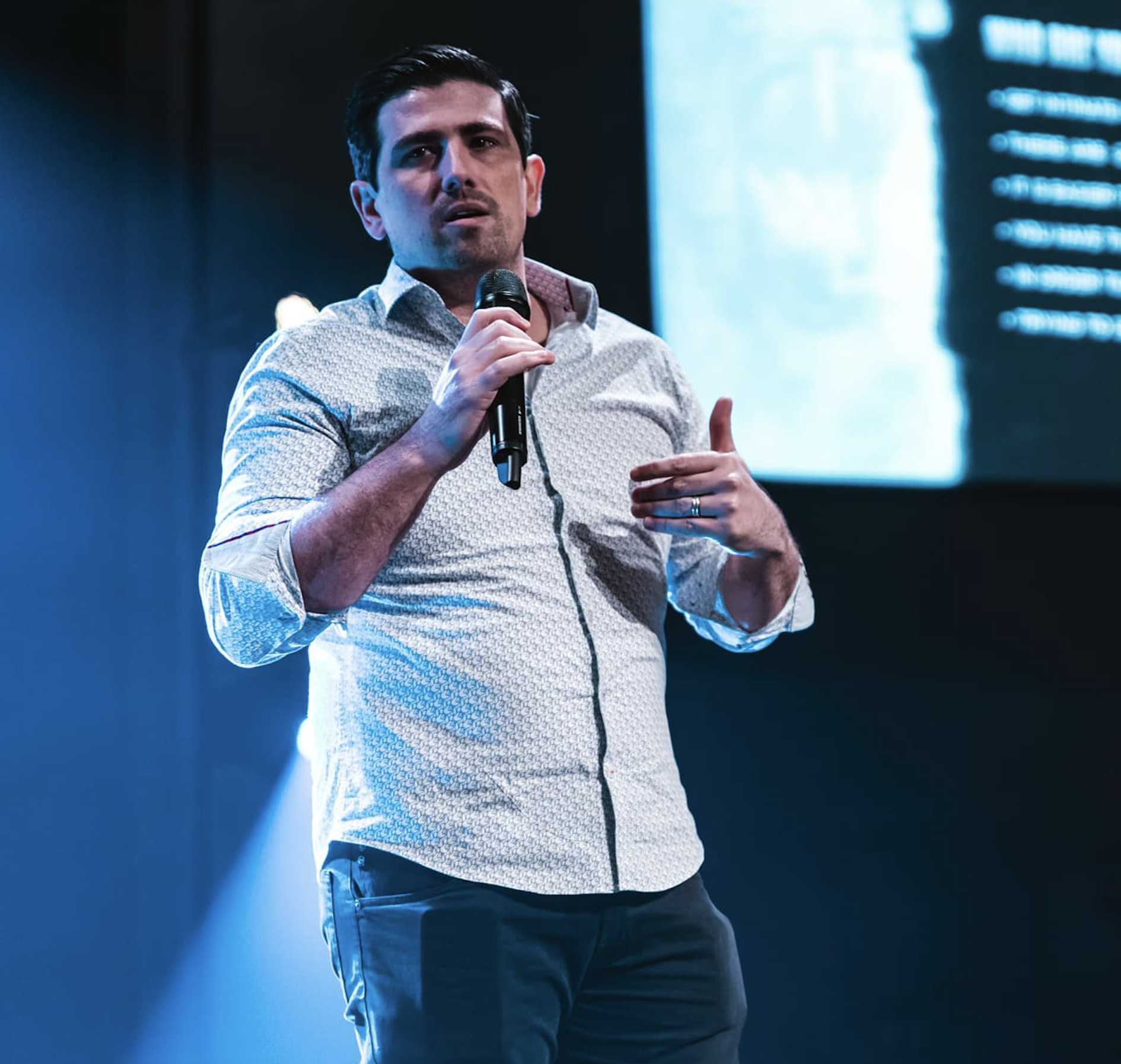
Matt Ganzak
Founder, The Sprint & ScaleUp Media
25+ years building software companies. Multiple SaaS exits. Bestselling author of The Million Dollar Plan. Writes about running AI agents for real operational work.